Moongate v2 Dev Log #1: When Your Architecture Lies to You
A week ago I wrote about why I rewrote Moongate v2 from scratch. The short version: bad contract job killed my passion for code, I reopened my old UO server project, hated what I saw, and decided to burn it to the ground and start over.
That article was about the "why". This one is about what happened after, specifically, the moment I realized that even my fresh rewrite had lied to me, and how I fixed it.
If you have no idea what Moongate v2 is: it's a modern Ultima Online server written in .NET 10, with NativeAOT support, Lua scripting, snapshot-based persistence, and a strict separation between network layer and game logic. Go read the first post if you want more context, but you can follow along here without it.
The Problem I Couldn't See
When you start a project from scratch, you make a lot of decisions fast. You're excited. You want to see things work. So you take shortcuts that you tell yourself are "temporary".
My temporary shortcut was the bootstrap.
MoongateBootstrap was the class that wired everything together: DI registrations, packet handlers, game event listeners, file loaders, script modules. It was a single constructor that called a dozen private methods, each of which did its own thing. It looked roughly like this:
public MoongateBootstrap(MoongateConfig config)
{
    _moongateConfig = config;

    CheckDirectoryConfig();
    CreateLogger();
    CheckConfig();
    CheckUODirectory();
    EnsureDataAssets();

    RegisterHttpServer();
    RegisterScriptUserData();
    RegisterScriptModules();
    RegisterServices();
    RegisterFileLoaders();
    RegisterPacketHandlers();
    RegisterGameEventListeners();
}
And RegisterGameEventListeners() looked like this manually subscribing every listener one by one:
private void RegisterGameEventListeners()
{
    BootstrapGameEventListenerRegistration.Subscribe(_container);
}
Which in turn expanded to a generated file that I had to keep in sync by hand. Every time I added a new handler, I had to remember to wire it in two or three places. Miss one, and you get a silent failure at runtime with no indication of what went wrong.
This works fine when you have five listeners. It starts to hurt when you have fifteen. It becomes a real problem when you're adding features every week and constantly context-switching.
The architecture wasn't wrong. The process was wrong. The structure lied to me by making it look like everything was under control, when in reality I was one forgotten registration away from a bug that would take me an hour to track down.
Fix #1: Make the Compiler Do the Work
The first thing I did was introduce source generators to eliminate the manual wiring entirely.
The idea is simple. Instead of maintaining a list of registrations somewhere, you put the information directly on the class that needs registering -- and the generator reads your code at compile time and writes the wiring for you.
Before, adding a new packet listener meant:
- Write the handler class
- Open
BootstrapPacketHandlerRegistration.cs - Add the registration line by hand
- Open
BootstrapGameEventListenerRegistration.cs - Add the subscription line by hand
- Hope you didn't forget anything
After, it's one attribute on the class:
[
    RegisterGameEventListener,
    RegisterPacketHandler(PacketDefinition.DropItemPacket),
    RegisterPacketHandler(PacketDefinition.PickUpItemPacket),
    RegisterPacketHandler(PacketDefinition.SingleClickPacket),
    RegisterPacketHandler(PacketDefinition.DoubleClickPacket)
]
public class ItemHandler : BasePacketListener, IGameEventListener<ItemMovedEvent>
{
    // ...
}
That's it. The source generator scans all classes with [RegisterGameEventListener] at compile time, reads which IGameEventListener<T> interfaces they implement, and generates the full DI registration and event subscription code automatically.
The generator itself is an IIncrementalGenerator. The key part is the ForAttributeWithMetadataName call that hooks into the compilation pipeline:
[Generator]
public sealed class GameEventListenerRegistrationGenerator : IIncrementalGenerator
{
    public void Initialize(IncrementalGeneratorInitializationContext context)
    {
        var candidates = context.SyntaxProvider.ForAttributeWithMetadataName(
            "Moongate.Server.Attributes.RegisterGameEventListenerAttribute",
            static (node, _) => node is ClassDeclarationSyntax,
            static (syntaxContext, _) => CreateModels(syntaxContext)
        );

        // ... collects models and generates BootstrapGameEventListenerRegistration.Generated.g.cs
    }
}
The output is a generated partial class with two methods: one that registers services in DI, one that subscribes listeners to the event bus. You never touch it. It's recreated on every build.
I applied the same pattern to file loaders ([RegisterFileLoader(order)]), script modules ([ScriptModule]), and Lua user-data types. The bootstrap constructor went from "call twelve things and pray" to "call three things and trust the compiler".
This is one of those changes that sounds like over-engineering until you've been burned by the alternative. Source generators have a reputation for being complex to write, and they are -- but the investment pays off fast on a codebase that's actively growing.
Fix #2: The Bootstrap Was One Thing That Should Have Been Three
The second problem was related but different. Even after introducing generators, MoongateBootstrap was still doing too much in one place. It was initializing config, setting up logging, registering DI, validating the UO data directory, copying assets, and starting the HTTP server -- all in the constructor.
Constructors that do I/O make me nervous. Constructors that do I/O and register services and initialize global state make me want to delete things.
The refactor was straightforward: split the bootstrap into three explicit phases, each with a clear responsibility.
Phase 1 -- Instances: registers configuration objects and singletons that don't depend on anything else.
public static Container AddBootstrapInstances(
    this Container container,
    MoongateConfig config,
    DirectoriesConfig directoriesConfig,
    TimerServiceConfig timerServiceConfig,
    IConsoleUiService consoleUiService
)
{
    container.RegisterInstance(config);
    container.RegisterInstance(config.Metrics);
    container.RegisterInstance(directoriesConfig);
    container.RegisterInstance(timerServiceConfig);
    container.RegisterInstance(consoleUiService);
    return container;
}
Phase 2 -- Core services: all the non-hosted singletons. Business logic, repositories, factories.
public static Container AddBootstrapCoreServices(this Container container)
{
    container.Register<IMessageBusService, MessageBusService>(Reuse.Singleton);
    container.Register<IGameEventBusService, GameEventBusService>(Reuse.Singleton);
    container.Register<IItemService, ItemService>(Reuse.Singleton);
    container.Register<ISpatialWorldService, SpatialWorldService>(Reuse.Singleton);
    // ... and so on
    return container;
}
Phase 3 -- Hosted services: everything that has a lifecycle (StartAsync / StopAsync), registered with explicit startup priority.
public static Container AddBootstrapHostedServices(this Container container)
{
    container.RegisterMoongateService<IPersistenceService, PersistenceService>(ServicePriority.Persistence);
    container.RegisterMoongateService<IFileLoaderService, FileLoaderService>(ServicePriority.FileLoader);
    container.RegisterMoongateService<IGameLoopService, GameLoopService>(ServicePriority.GameLoop);
    container.RegisterMoongateService<INetworkService, NetworkService>(ServicePriority.Network);
    // ...
    return container;
}
The three phases chain together via extension methods on Container. The result is readable, intentional, and easy to extend. When I add a new service, I open the right file, add one line, and I'm done.
The bigger win is mental. When I'm debugging a startup issue, I know exactly where to look. Phase 1 is config. Phase 2 is logic. Phase 3 is lifecycle. The problem is always in one of the three, and I can narrow it down in seconds instead of scrolling through a 300-line blob.
Fix #3: The Network/Domain Boundary Needs to Be Real
The third thing I refined -- and this one was more about making an existing concept explicit rather than fixing a mistake -- is the separation between the network layer and the game domain.
In the first article I described the intended architecture: packets flow inbound through IPacketListener, domain logic publishes events to IGameEventBusService, and outbound side-effects go through IOutboundEventListener to the packet queue. On paper, clean. In practice, I had let some handlers reach directly for the outbound queue in ways that blurred the line.
The model I settled on is this:
Client --> [TCP] --> IPacketListener --> IGameEventBusService
                                                |
                                         IGameEventListener
                                                |
                                    IOutboundEventListener
                                                |
                                       IOutgoingPacketQueue --> Client
IPacketListener handles inbound only. It reads the packet, applies domain logic, and publishes an event. It does not write packets back directly. Outbound is always the event bus talking to an outbound listener.
Here's a concrete example from LoginHandler. When a character is selected:
private async Task<bool> HandleLoginCharacterPacketAsync(GameSession session, LoginCharacterPacket loginCharacterPacket)
{
    var character = characters.FirstOrDefault(c => c.Name == loginCharacterPacket.CharacterName);

    // publish the domain event -- don't touch the outbound queue here
    await _gameEventBusService.PublishAsync(
        new CharacterSelectedEvent(session.SessionId, character.Id, DateTimeOffset.UtcNow.ToUnixTimeMilliseconds())
    );

    return true;
}
The LoginHandler also implements IGameEventListener<PlayerCharacterLoggedInEvent> -- the same class that handles the inbound packet also reacts to the downstream domain event to send the welcome message:
public async Task HandleAsync(PlayerCharacterLoggedInEvent gameEvent, CancellationToken cancellationToken = default)
{
    if (_gameNetworkSessionService.TryGet(gameEvent.SessionId, out var session))
    {
        Enqueue(session, SpeechMessageFactory.CreateSystem($"Welcome to {_serverConfig.Game.ShardName} !"));
        Enqueue(session, SpeechMessageFactory.CreateSystem($"Server is Moongate v{VersionUtils.Version}"));
    }
}
Is it more code? Yes. Is it more testable, more predictable, and easier to trace through under a debugger? Also yes. When something goes wrong in the outbound path, I know it's an event listener issue, not a packet handler issue. The two concerns don't bleed into each other.
Scripting Items with Lua
One of the things I wanted from day one was a scripting system where you could add behavior to items without touching C#. Drop a Lua file, define a function, and the server routes the right event to it automatically.
The way it works is through ItemScriptDispatcher. When a player single-clicks or double-clicks an item, the handler fires an ItemSingleClickEvent or ItemDoubleClickEvent on the game event bus. ItemScriptDispatcher listens for both, looks up the item, checks if it has a scriptId field, and if it does, builds a Lua function name and calls it.
The naming convention is deterministic:
on_item_<scriptId_normalized>_<hook_normalized>
Non-alphanumeric characters become underscores, everything goes lowercase. So if your item has scriptId = "items.healing_potion" and the hook is "double_click", the function called is:
on_item_items_healing_potion_double_click
Here's the full flow in ItemScriptDispatcher:
private static string BuildFunctionName(string scriptId, string hook)
{
    var normalizedScriptId = NormalizeToken(scriptId);
    var normalizedHook = NormalizeToken(hook);

    return $"on_item_{normalizedScriptId}_{normalizedHook}";
}

private static string NormalizeToken(string token)
{
    var normalized = NonAlphaNumericRegex()
                     .Replace(token, "_")
                     .Trim('_')
                     .ToLowerInvariant();

    return string.IsNullOrWhiteSpace(normalized) ? "unknown" : normalized;
}
To wire up a scriptable item, you define it in a JSON template:
{
  "type": "item",
  "id": "healing_potion",
  "name": "a healing potion",
  "itemId": "0x0F0C",
  "scriptId": "items.healing_potion"
}
Then in your Lua script file under scripts/:
function on_item_items_healing_potion_double_click(ctx)
  log.info("Player used a healing potion, item id: " .. tostring(ctx.Item.Id))
  -- heal the player, play animation, etc.
end

function on_item_items_healing_potion_single_click(ctx)
  log.info("Player single-clicked the potion")
end
The ctx object passed to the function is an ItemScriptContext -- it carries the GameSession and the UOItemEntity, so the script has access to both the player and the item without needing to look anything up.
The Lua side also has a module system. C# classes decorated with [ScriptModule] and [ScriptFunction] are automatically exposed to scripts. The ItemModule, for example, lets scripts look up items by serial:
[ScriptModule("item", "Provides helpers to resolve items from scripts.")]
public sealed class ItemModule
{
    [ScriptFunction("get", "Gets an item reference by item id, or nil when not found.")]
    public LuaItemRef? Get(uint itemId)
    {
        var item = _itemService.GetItemAsync((Serial)itemId).GetAwaiter().GetResult();
        return item is null ? null : new(item);
    }
}
Which in Lua becomes:
local potion = item.get(0x40001234)
if potion ~= nil then
  log.info("Found item: " .. potion.Name)
end
The module registration is also source-generated. The [ScriptModule] attribute gets picked up at compile time and the bootstrap wiring is produced automatically -- same pattern as the event listeners.
The result is a scripting surface that stays in sync with the C# side without any manual work. Add a method with [ScriptFunction], build, and it's available in Lua.
Parenthesis: I Added a UI (By Asking Someone Who Actually Likes Frontend)
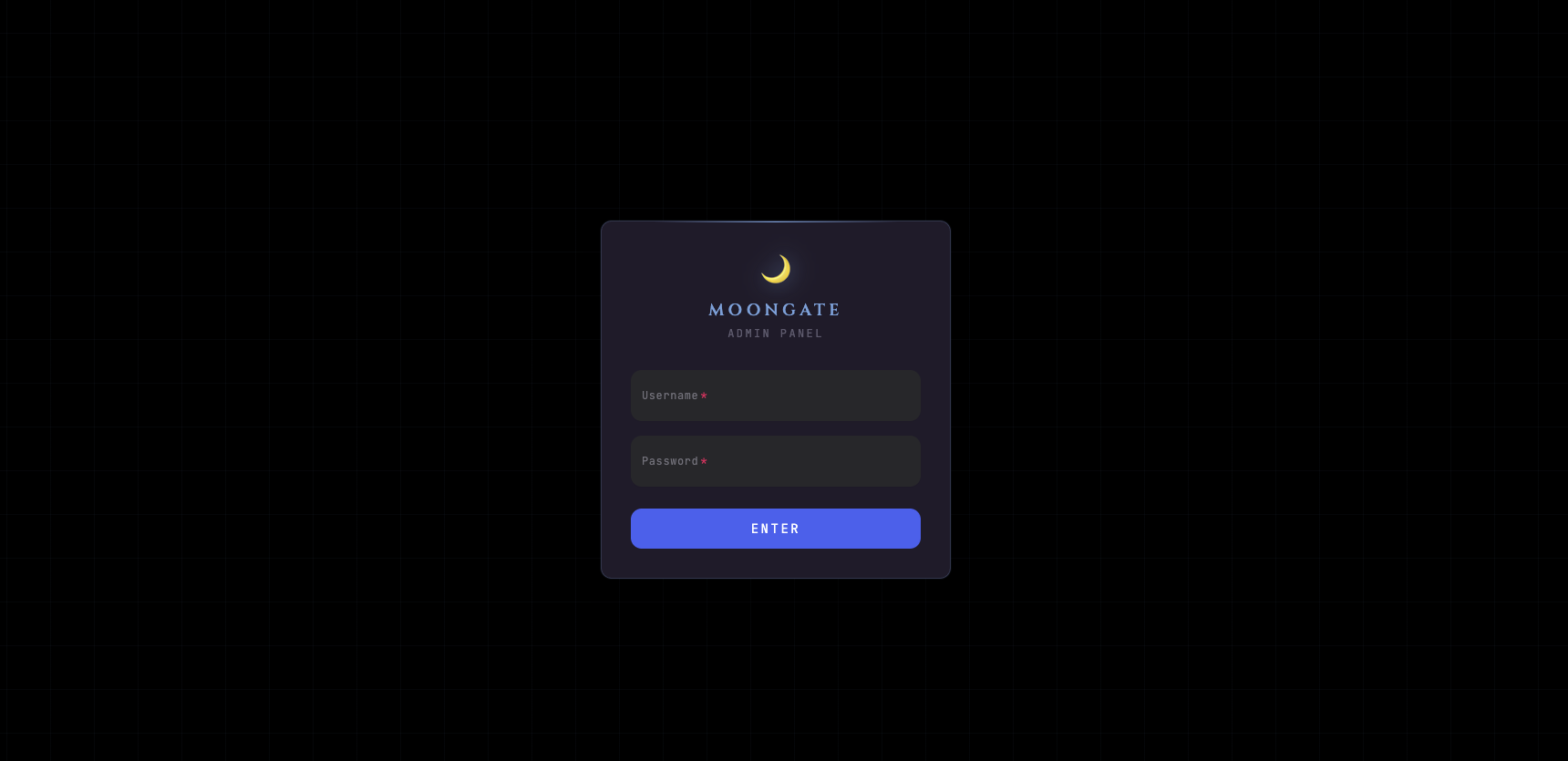
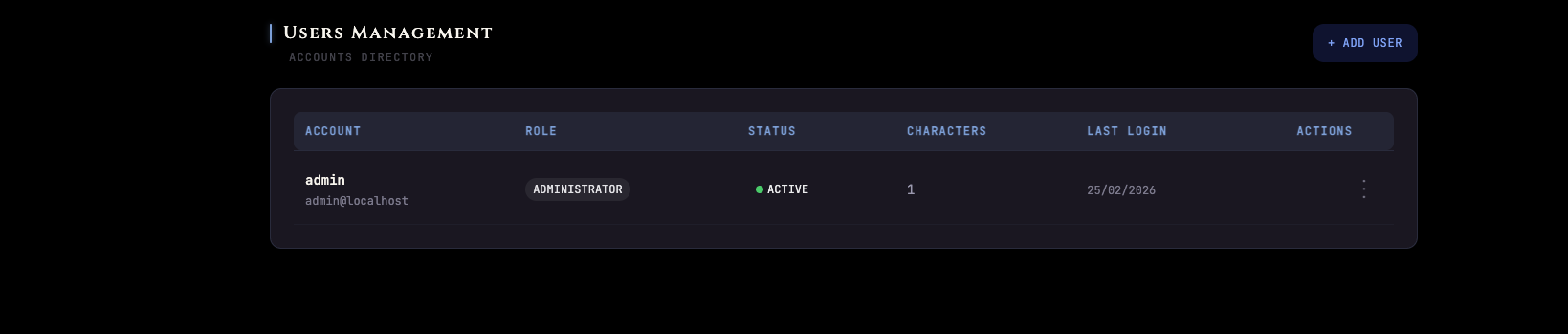
I need to mention this because it's part of the current state of the project: I started building a management UI for Moongate.
I hate frontend. I have always hated frontend. CSS fills me with a specific kind of dread that no amount of experience seems to cure. So instead of pretending otherwise, I used ChatGPT Codex to build the initial UI layer in ui/. I gave it the HTTP API endpoints, described what I needed, and let it write the React code while I went back to the part I actually enjoy.
The result is a functional admin panel that talks to the embedded HTTP service. It's minimal, it works, and I didn't have to touch a single flexbox property.
I have no shame about this. Using the right tool for the right job includes knowing which jobs you should not do yourself.
What's Next
The architecture is in a state I'm happy with for now. The plumbing is solid, the wiring is automatic, and the boundaries are clear.
What I'm working on now:
- Weather system: server-side weather tied to regions, with the
SetWeatherpacket flowing out to clients. TheWeatherServiceis already there, the data loader is in, the packet is implemented. Needs the full spatial integration. - Spatial events: players entering and exiting regions now fire
PlayerEnteredRegionEventandPlayerExitedRegionEvent. Weather will hook into this to send the correct weather when you walk into a zone. - Item drag state: the pickup/drop flow now tracks per-session drag state (
PlayerDragService), which is what makes it possible to validate that a drop corresponds to an actual in-progress pickup and not a spoofed packet.
Combat is still far off. The skill system is still far off. But the foundation is solid enough that when I get there, adding those systems won't require rewiring everything else.
That's the real goal of all this architecture work -- not to make the code beautiful for its own sake, but to make sure that six months from now, adding a new feature doesn't require touching five files that have nothing to do with that feature.
I'll write another one of these when the spatial/weather system is fully integrated and players can walk through regions that actually feel different.
Moongate v2 is open source under GPL-3.0. If you want to follow along: github.com/moongate-community/moongatev2